Wordpress Project Management Plugin
Project Management Is Under Your Complete Control.
Built For Real Teams And Real Work
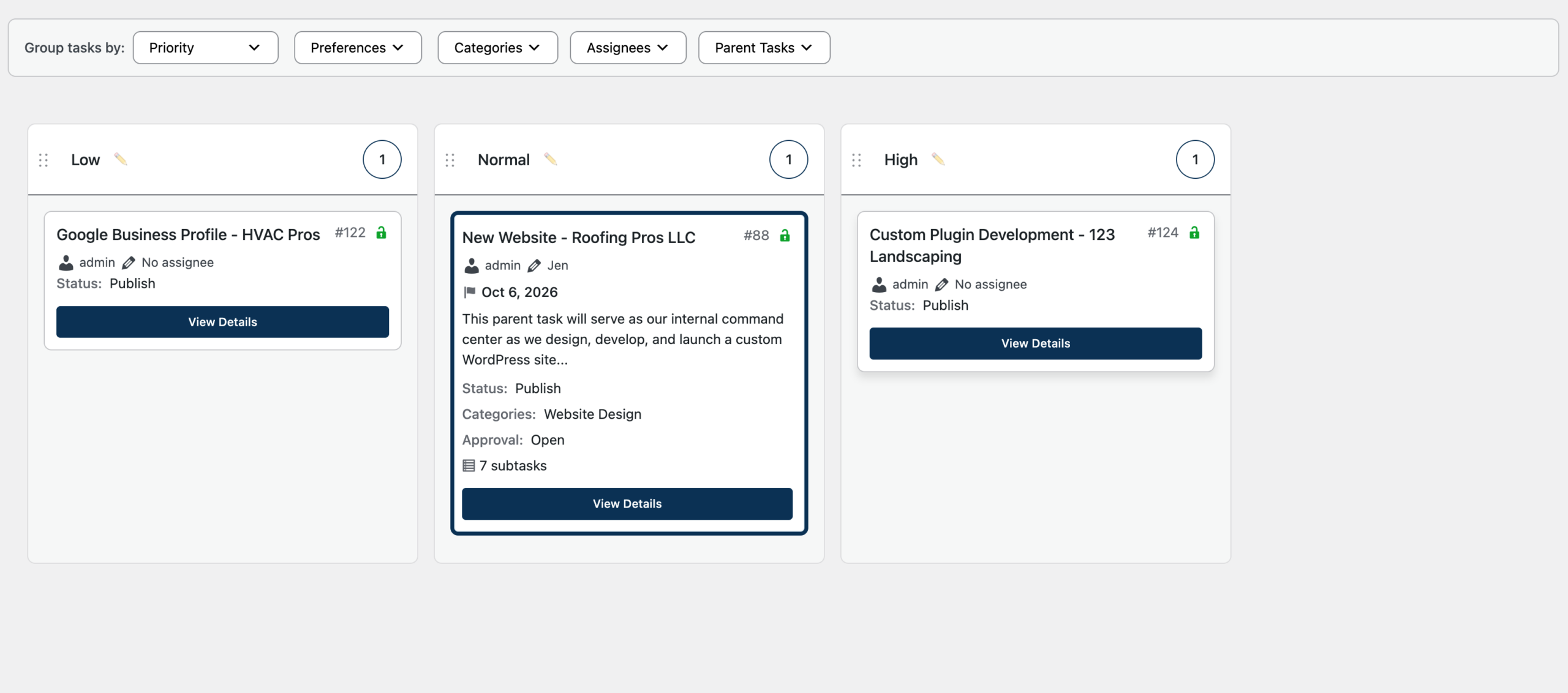
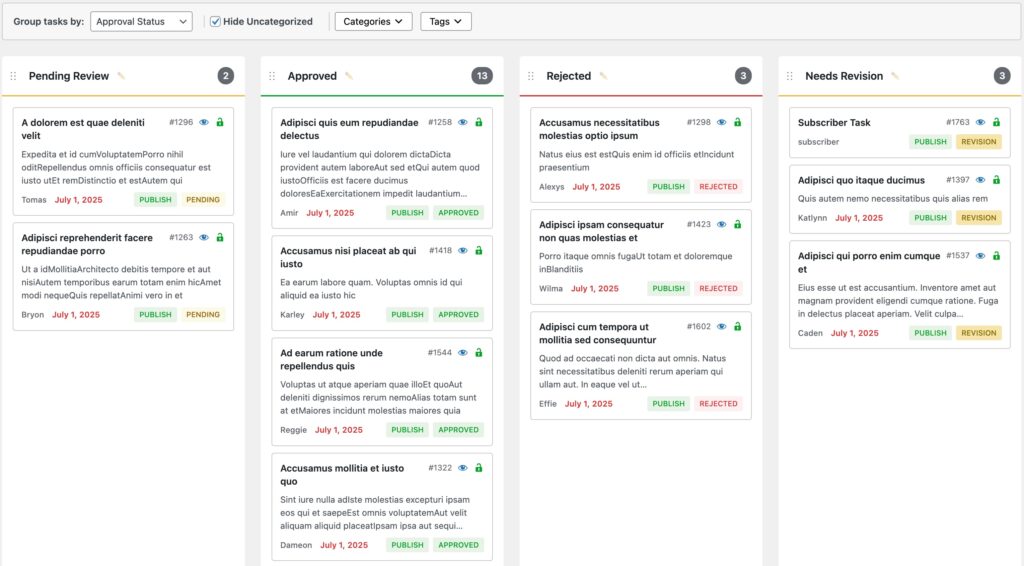
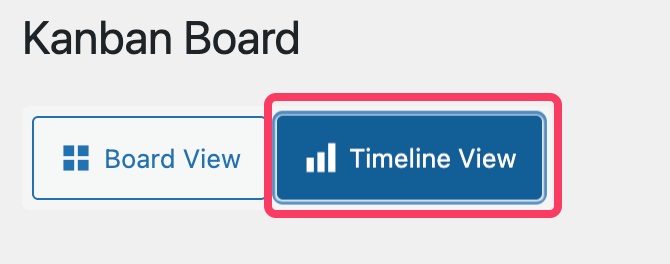
Kanban Board
Drag tasks between lanes, reorder priorities on the fly, and watch changes save instantly. Build lanes from any custom field like status, team, or priority to match how your team works.
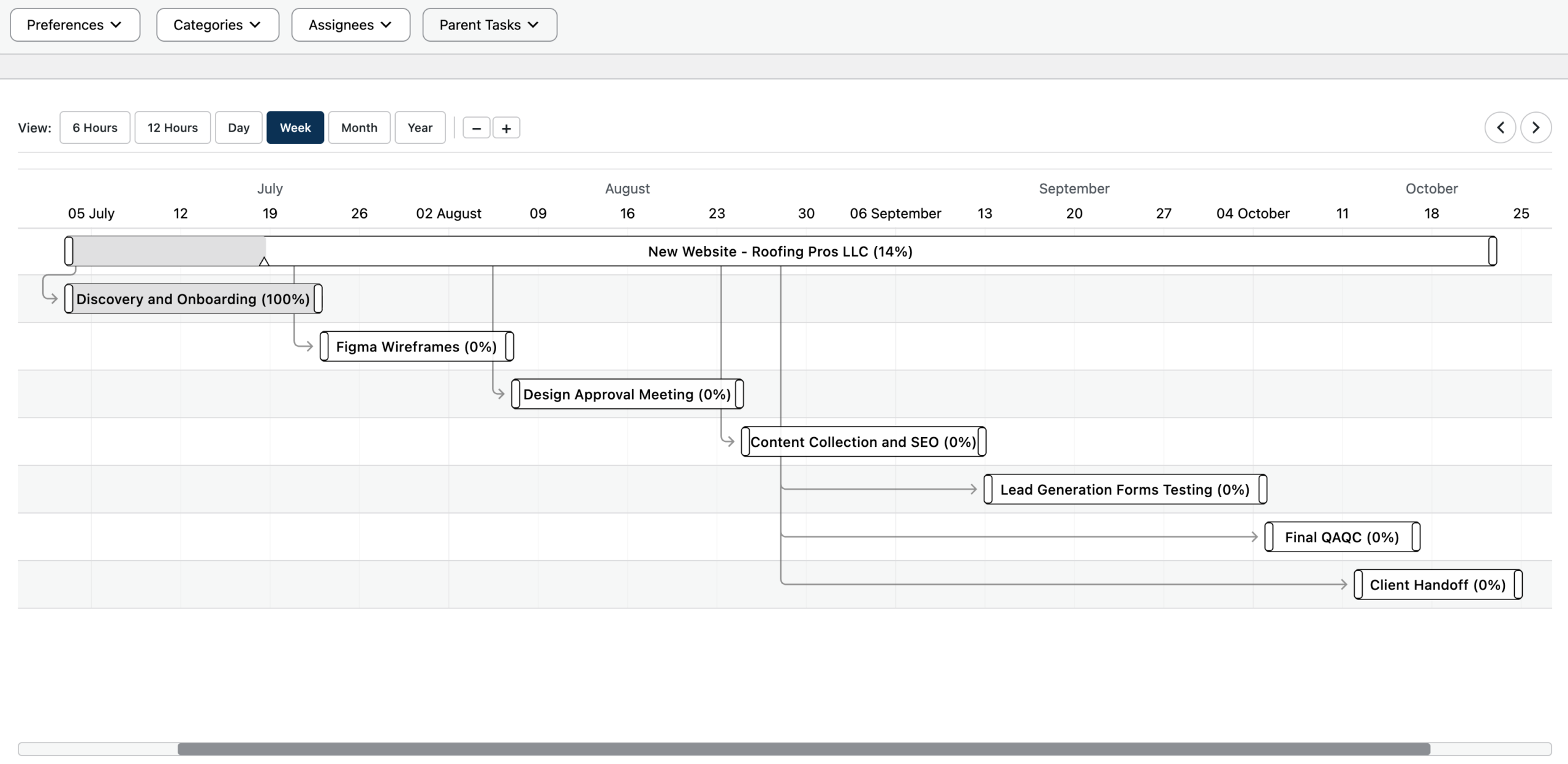
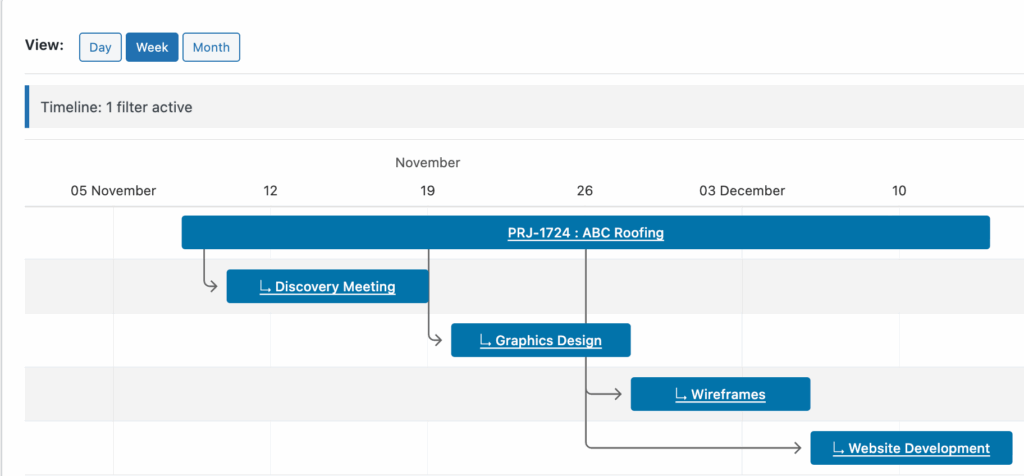
Gantt Chart Timeline Editor
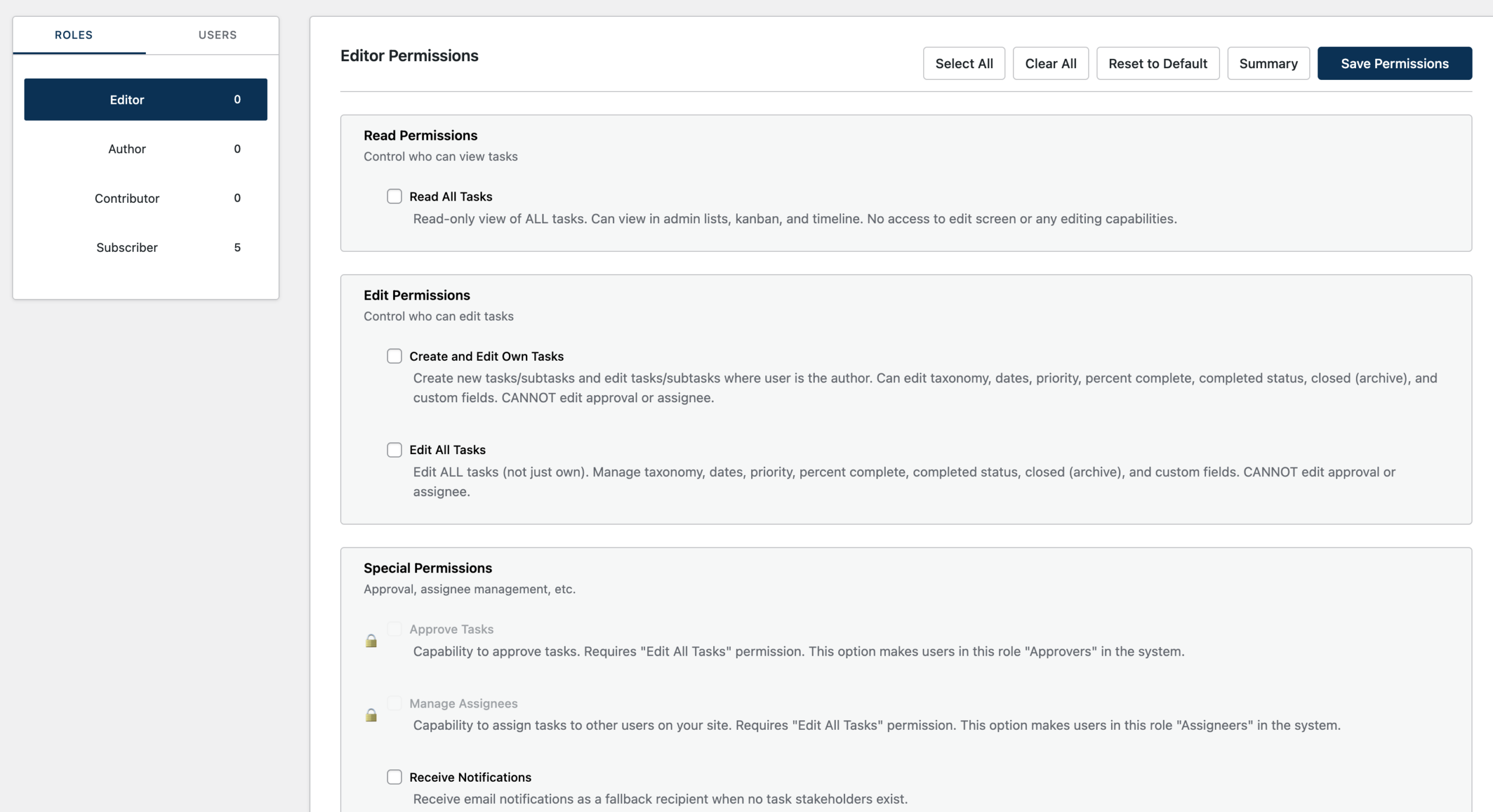
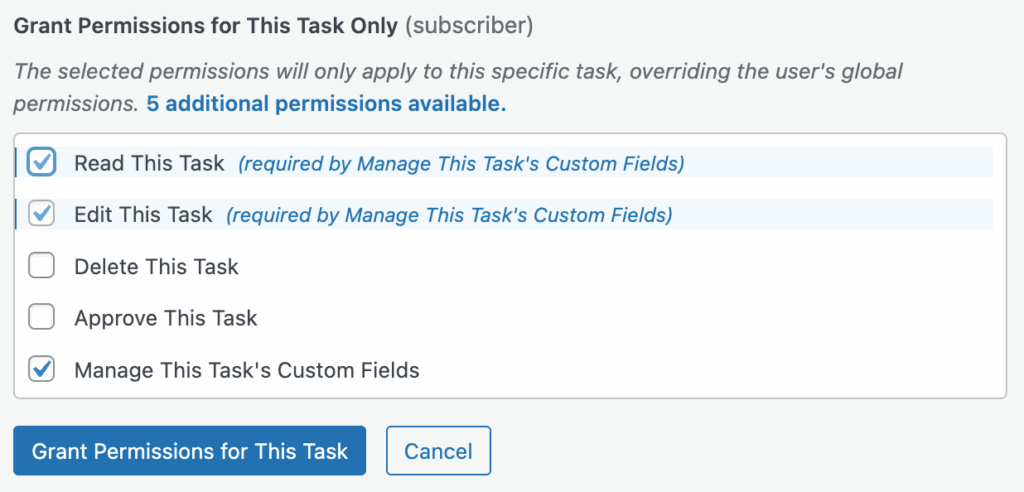
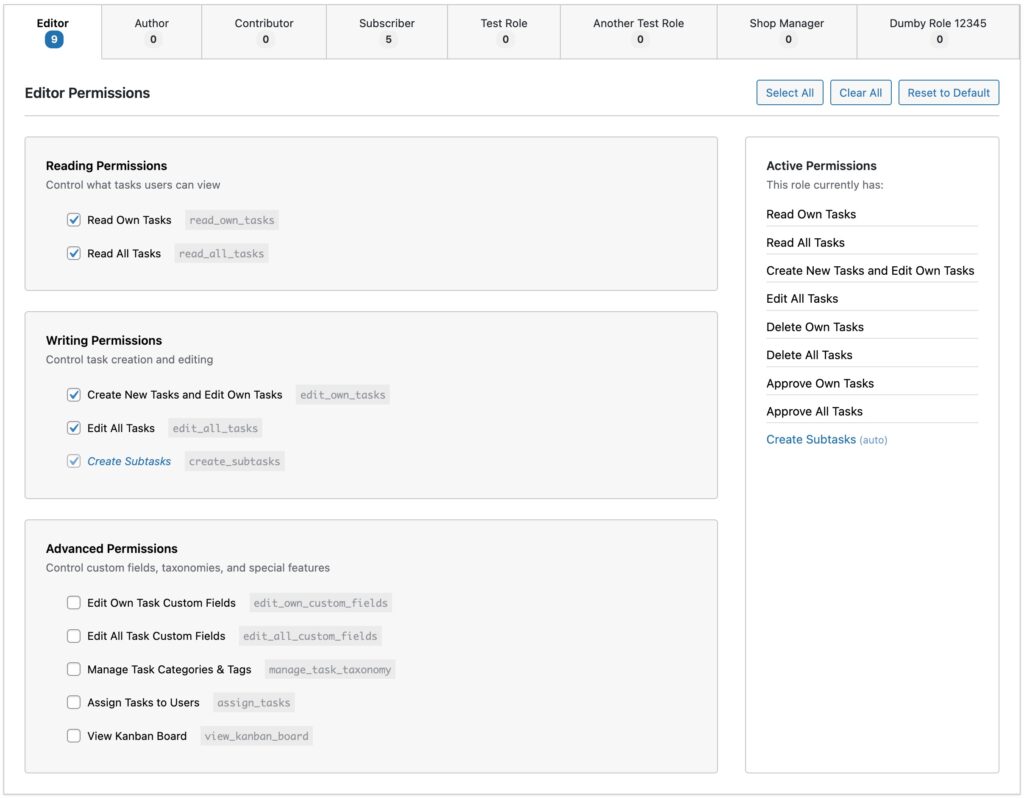
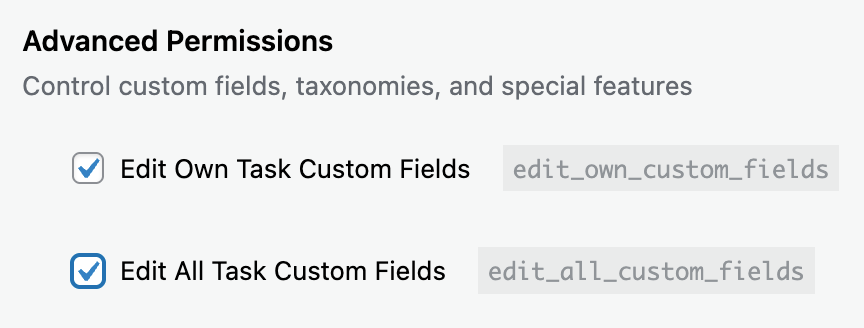
Permission System
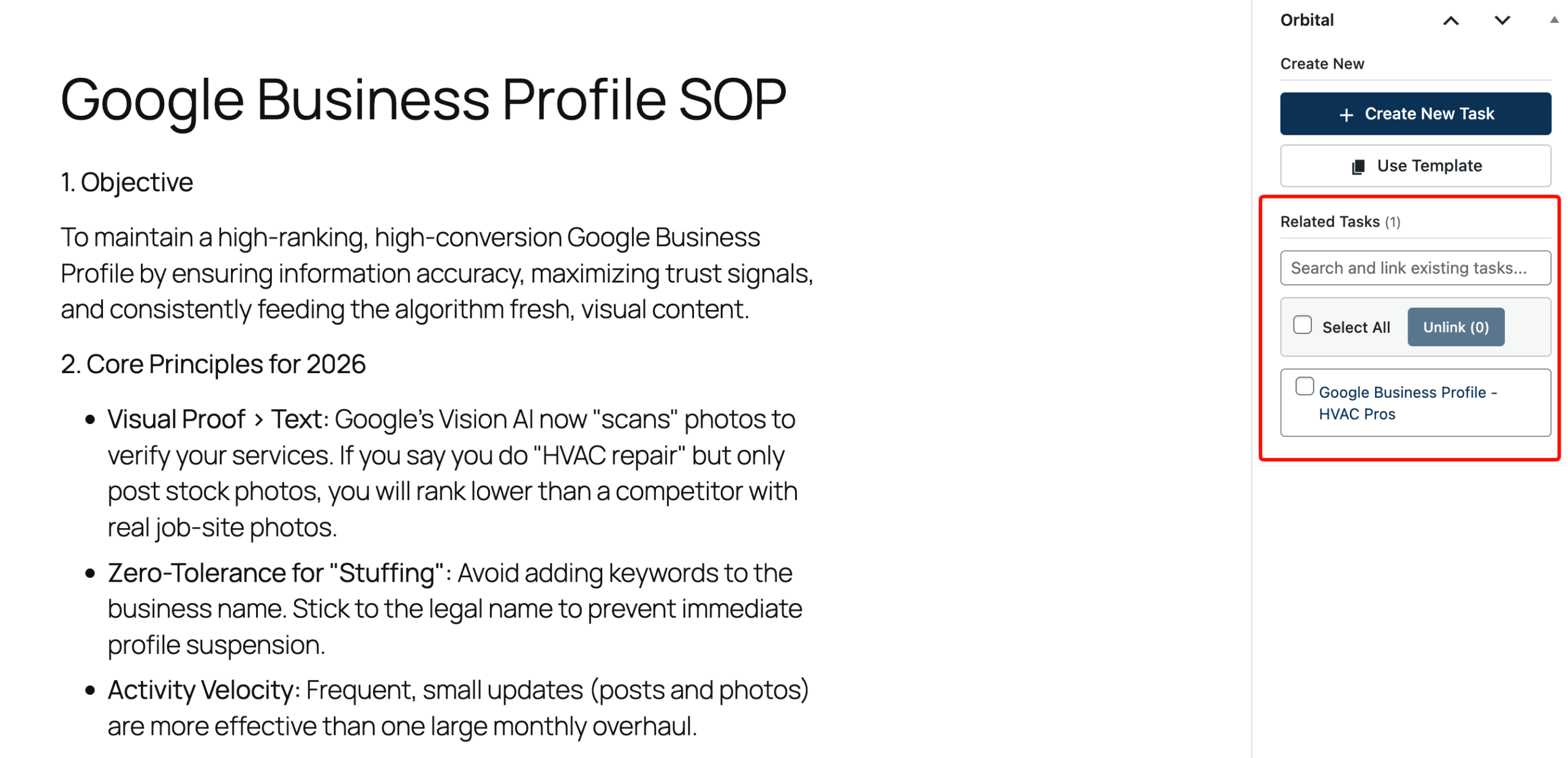
Relationships To Posts
Link any WordPress post or page to a task. Have an onboarding SOP with checklists, videos, and docs? Attach it to a task so your team has everything they need in one click.
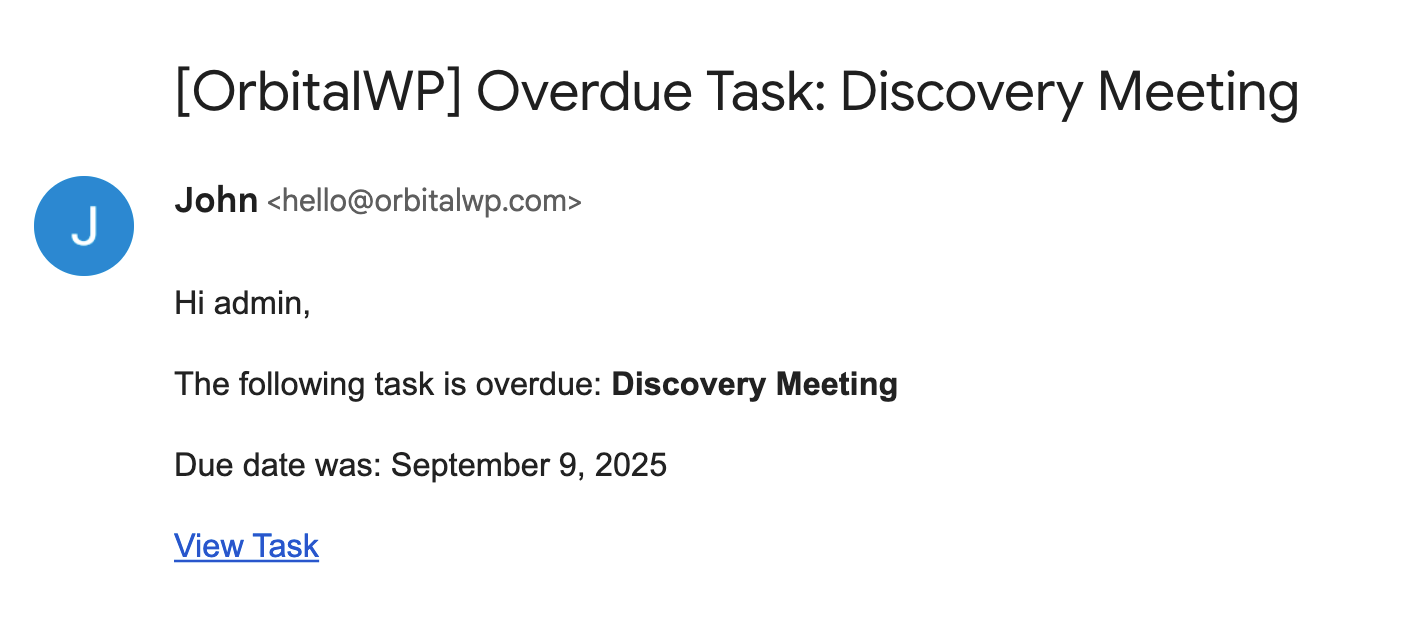
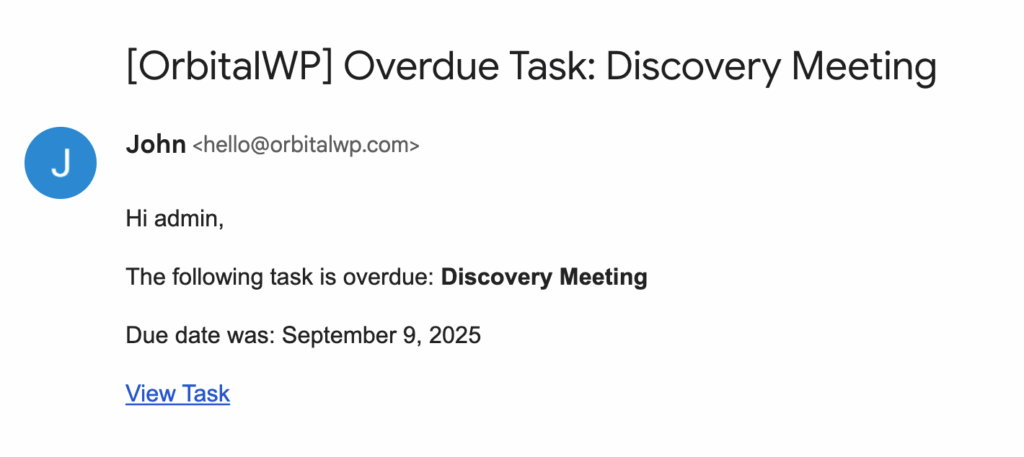
Notifications
All Features
Explore All Features OrbitalWP Has to Offer
Tasks
Task List View
Gantt Chart Timeline
Kanban Board
Permission System
Notifications
Custom Fields
Task Templates
Relationships
Master Every Deadline
Take Control of Every Project, Every Deadline, Every Time
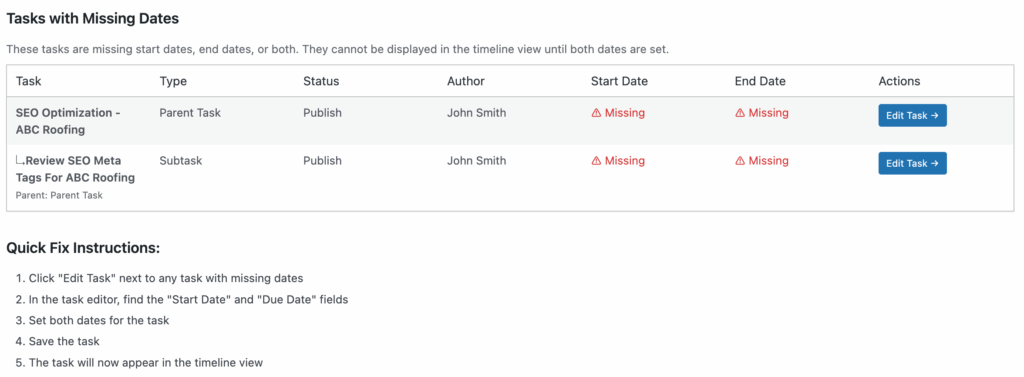
WP Tasks eliminates project chaos by giving you complete visibility and control over every task, deadline, and deliverable in your organization. With granular permissions, priority settings, due dates, and custom data fields, you can customize the tool to fit your exact operational needs.
Our Pricing
We have some great plans for you! Pick the plan that best fits your needs.
1 Site
License
Perfect for businesses with a single website.
1-Year Updates
1-Year Supoort
Renews Yearly
7 Day 80% Refund
5 Site
License
For people who own or manage multiple websites.
1-Year Updates
1-Year Supoort
Renews Yearly
14 Day 80% Refund
100 Site
License
For agencies that want to provide this service to clients.
1-Year Updates
1-Year Supoort
Renews Yearly
14 Day 80% Refund
Early Adopters
LTD (50% off)
Pay one time and have lifetime access!
Lifetime Updates
Lifetime Supoort
No Renewal
14 Day 80% Refund
Frequently Asked Questions
How is Orbital different from Trello, Asana, or other project management tools?
Orbital runs inside WordPress, right where you’re already working. No separate app. No extra tab. Your tasks sit alongside your content, and you can connect Orbital tasks to your existing posts and pages. Orbital is perfect for managing content teams that create and edit new content on your site.
Will Orbital slow down my WordPress site?
Absolutely not. Orbital was built using vanilla JavaScript (no jQuery dependencies), lazy-loads assets only where needed, and follows WordPress coding standards. It’s built for production sites, not just demos. We have tested Orbital on cheap VPS servers and load over 1000 tasks into the kanban board in about 30 milliseconds. We verify using Query Monitor and load all kinds of third party plugins. We also test on popular shared hosting environments before releasing each new version of Orbital.
Do I have to use subtasks or can I use parent tasks for everything?
Subtasks are optional. Use them for complex projects or skip them entirely.
On the Kanban board, only parent tasks appear as cards and subtasks live in the slide-out panel.
On the timeline, tasks without subtasks stand alone. Arrange them however you like. Overlap, run them back to back, or spread them out.
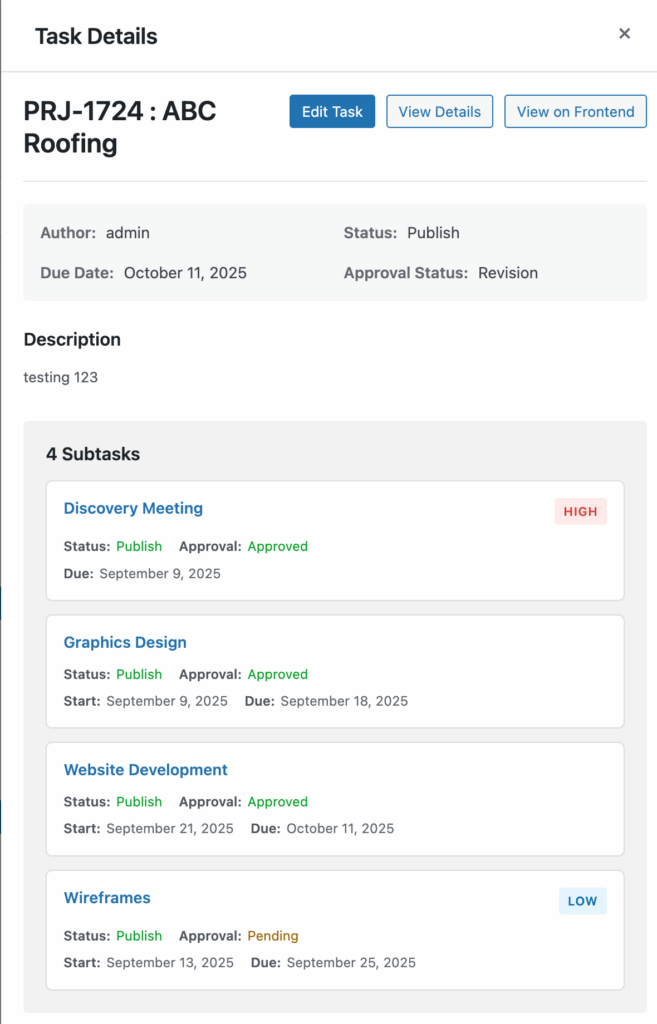
When you use subtasks, I think of the parent task like a project header and subtasks become the individual work items beneath it.
How does Orbital help manage contract employees?
Orbital helps you delegate work to contract employees without giving them elevated WordPress roles. You dont need to make a contractor an Editor or Administrator you can give them only the Orbital task access they need.
Contractors can be assigned access to specific tasks, given read-only access, granted task-specific permissions for individual projects, or their role can be granted granular permissions. That means they can see and complete the work that belongs to them without automatically gaining access to every task, report, setting, or post on the site.
- Assignment can let contractors view assigned work and update completion status.
- Role permissions can keep contractor access limited across the whole site.
- Task-specific overrides can grant access to one task without changing the user’s WordPress role.
- Read-only access lets someone review task details without editing fields.
- Restricted fields such as approval status, closed status, and assignee management require separate authority.
Orbital also helps protect sensitive task data by checking task access before showing task information in views, reports, task details, and notifications. If a contractor does not have read access to a task, Orbital is designed to keep that task out of their task views and prevent task email content from being sent to them.